Automatic sequential numbering — without a numbering machine
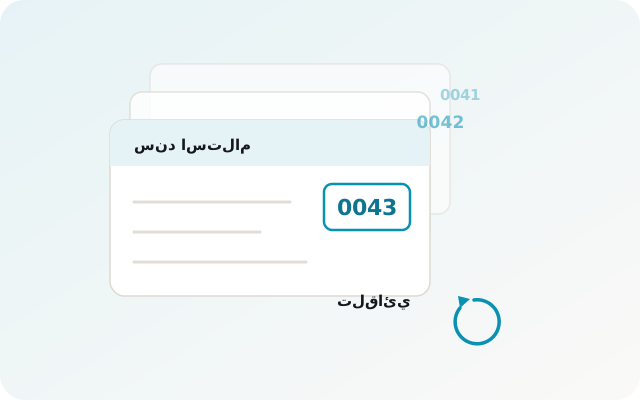
Apex Print numbers your books, invoices and receipts as they print. You set the start number and the format; every copy comes out with the right number, with no manual numbering and no numbering machine to buy or maintain.
The problem it solves
- Numbering machines are expensive, break down, and need someone to operate them.
- Manual numbering goes wrong — a number repeats or is skipped, and you find out after 200 sheets.
- Changing the start number means re-preparing the whole job.
- Hard to track which numbers were already issued to which customer.
How Apex Print works
Sequential numbering at print time
The number is generated and printed in the same pass — no second step and no extra machine. Set the range and go.
Any number format you need
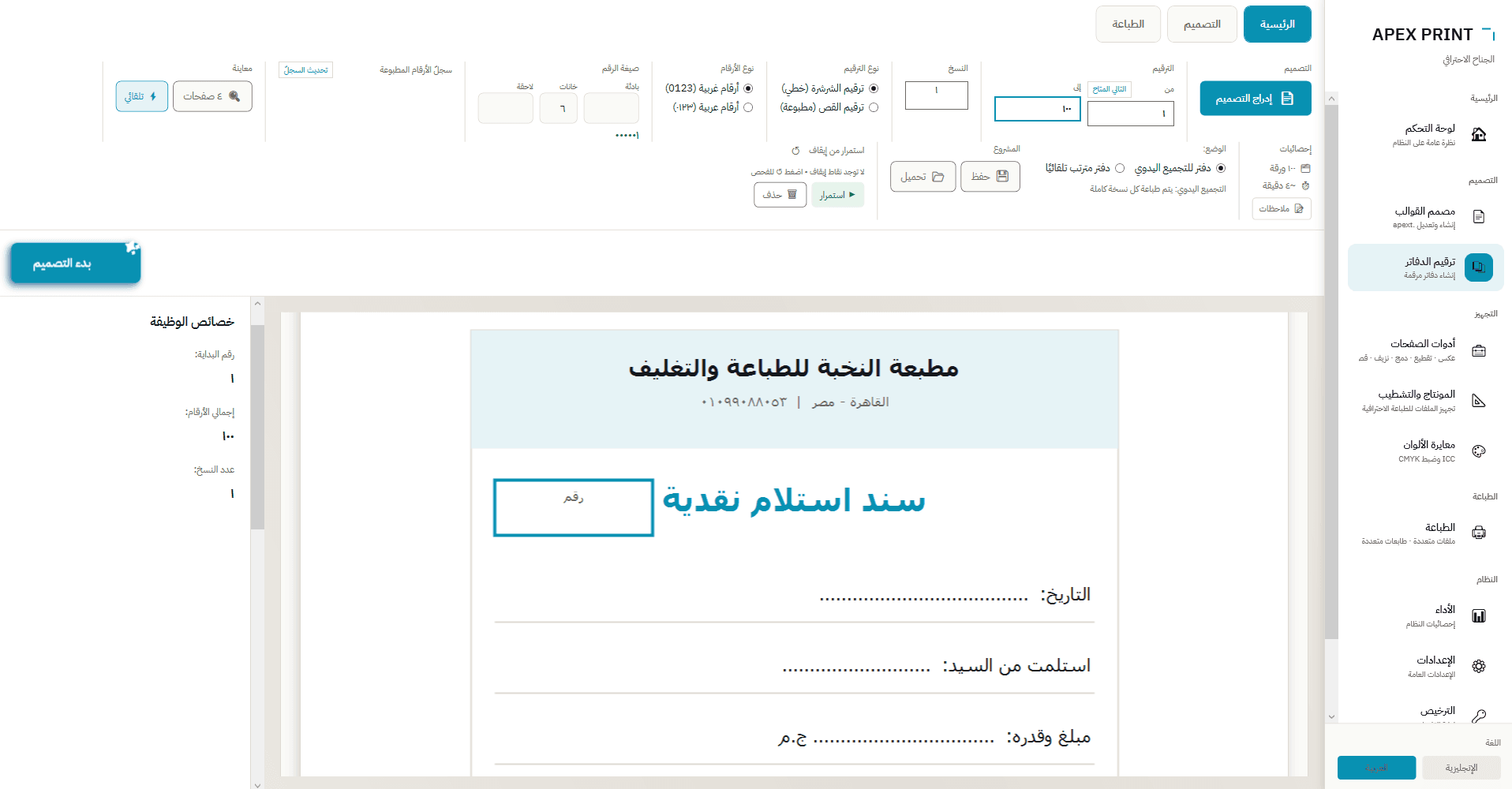
Prefix (e.g. INV-), digit count (000001) and suffix — configure once and reuse across jobs.
Issued-number register
The app keeps a record of printed ranges and suggests the next available number, so nothing repeats even when a job spans days.
A big live counter
The current number is shown large on screen, so an operator can check the run from across the shop.
At a glance
- Books, invoices, receipts, tickets and certificates
- Flexible format: prefix + digit count + suffix
- Latin (0-9) or Arabic-Indic (٠-٩) digits
- Linear or imposed numbering modes
- Issued-number register with next-number suggestion
- Resume a job from where it stopped
Numbering FAQ
Can I number without a numbering machine?
Yes. Apex Print prints the number together with the page, so no numbering machine and no extra post-print step are needed.
Can numbers repeat?
No. The app keeps a register of printed ranges, suggests the next available number, and warns you if you try to reuse a range.
Can I start from a specific number?
Yes — set the start number and quantity, or accept the automatically suggested next number.
What if printing stops halfway?
The job can be resumed from where it stopped, so nothing is reprinted and the sequence stays intact.
Try numbering on your own work
Download the trial and number a real book — 20 free pages, no time limit.
More in the same app
Printer management — every device on the same job
print management software multi printer
Imposition — lay out the sheet properly, waste less paper
imposition software for print shops
PDF tools — files reach the printer ready
pdf prepress tools
Template designer and data merge
variable data printing template designer